PIXEL FILE OUTPUT
Lasers and digital printers are often driven by pixel files.
Three methods to output grayscale pixel files from Rhino geometry are presented here:
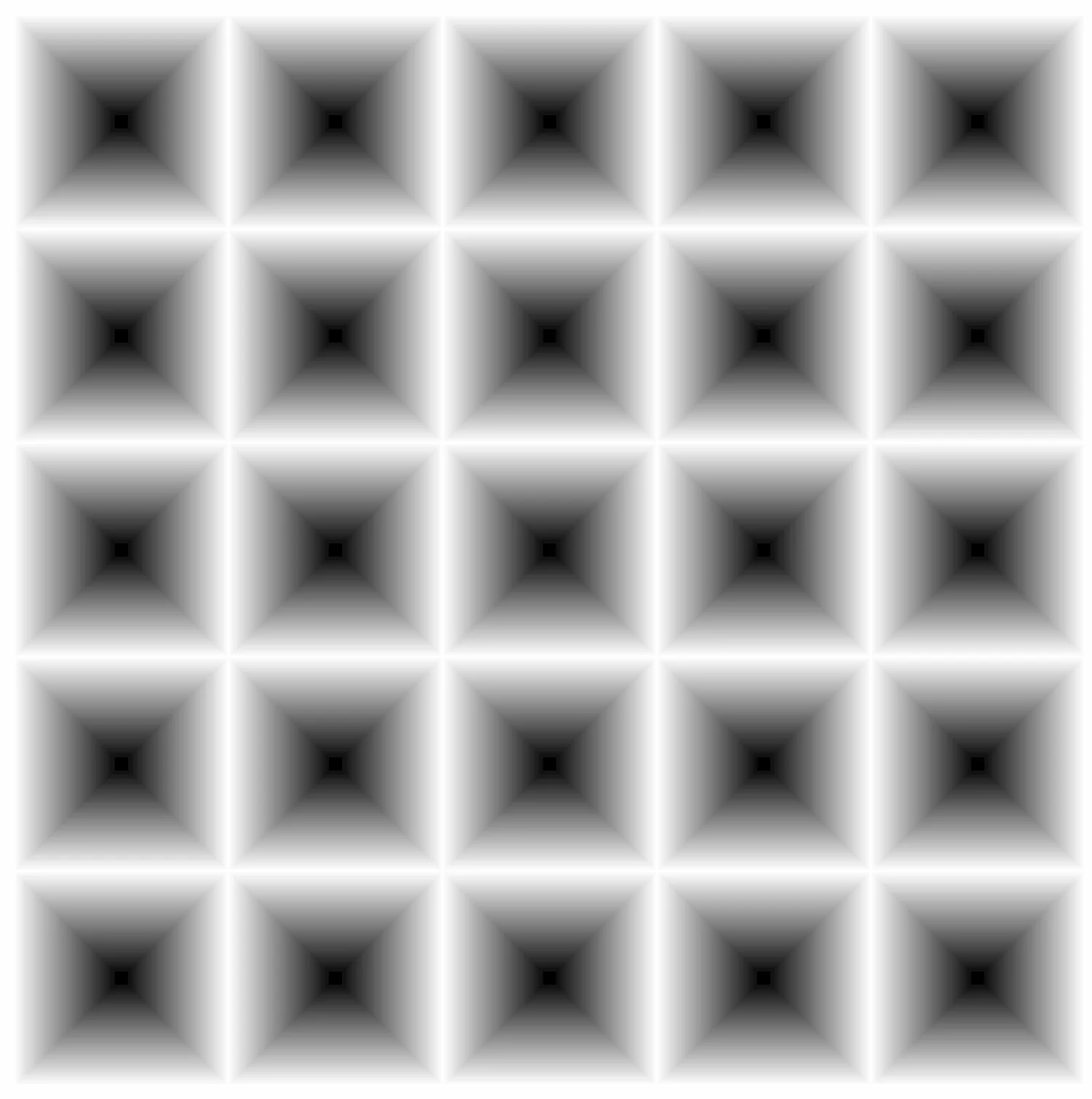
1) ViewCaptureToFile
Deconstruct mesh.
Deconstruct mesh vertices.
Remap z coordinate to 0-255 scale (8-bit).
Use Mesh Colours to visualize.
Set the viewport to Top View and disable all lighting.
Execute the ViewCaptureToFile command in Rhino. Adjust the pixel dimensions to properly capture the viewport the detail of the viewport.
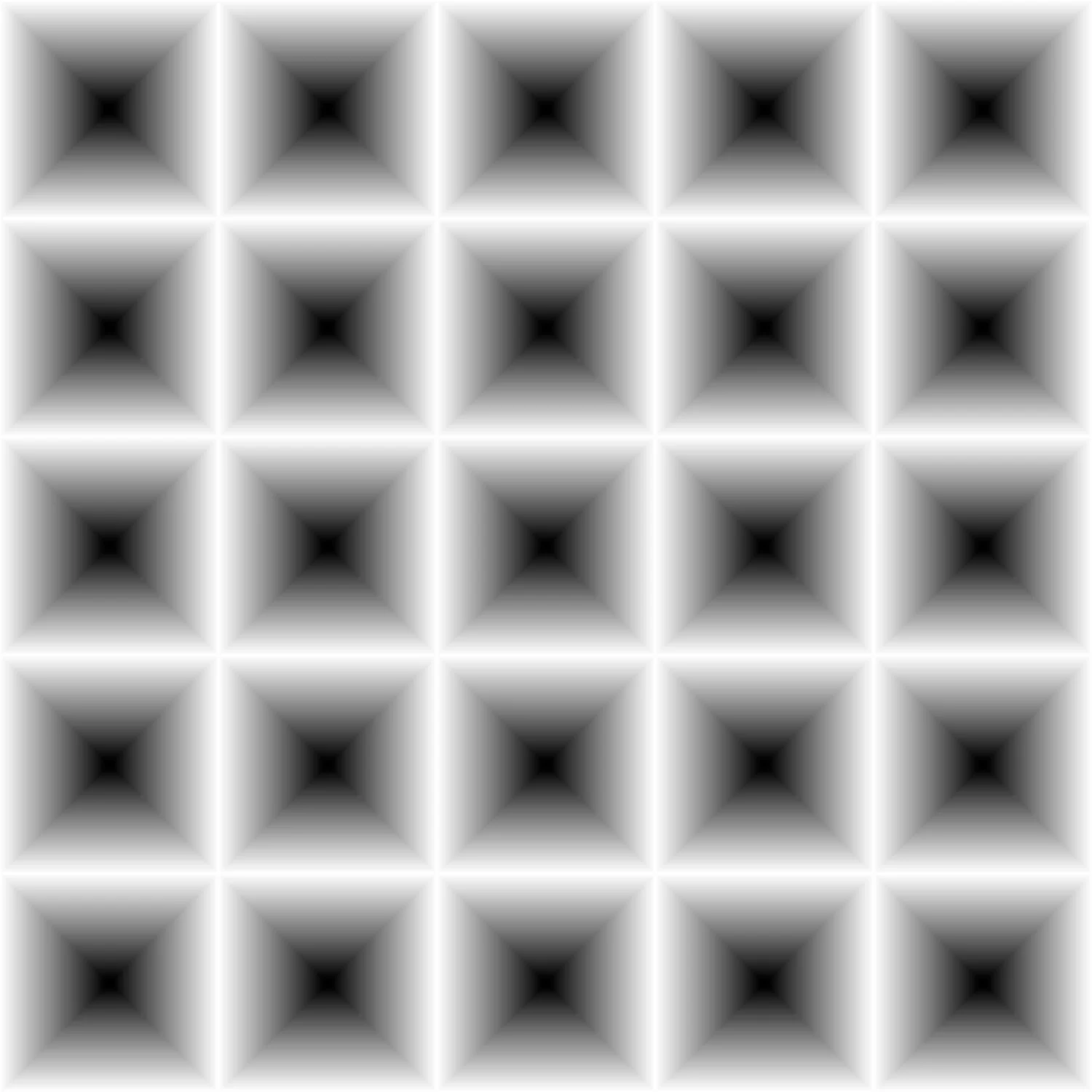
2) Numeric Render
The coordinates (x,y,z) are transformed to (x,y,N).
By deconstructing a mesh and writing the mesh vertex coordinates to a text file, you can output a 32-bit *.tiff file. This requires using the open-source software Image J and the specific ImageJ Plug-In XYZ2DEM_Importer.class.
If higher resolution is needed, increase the mesh vertex count before exporting.
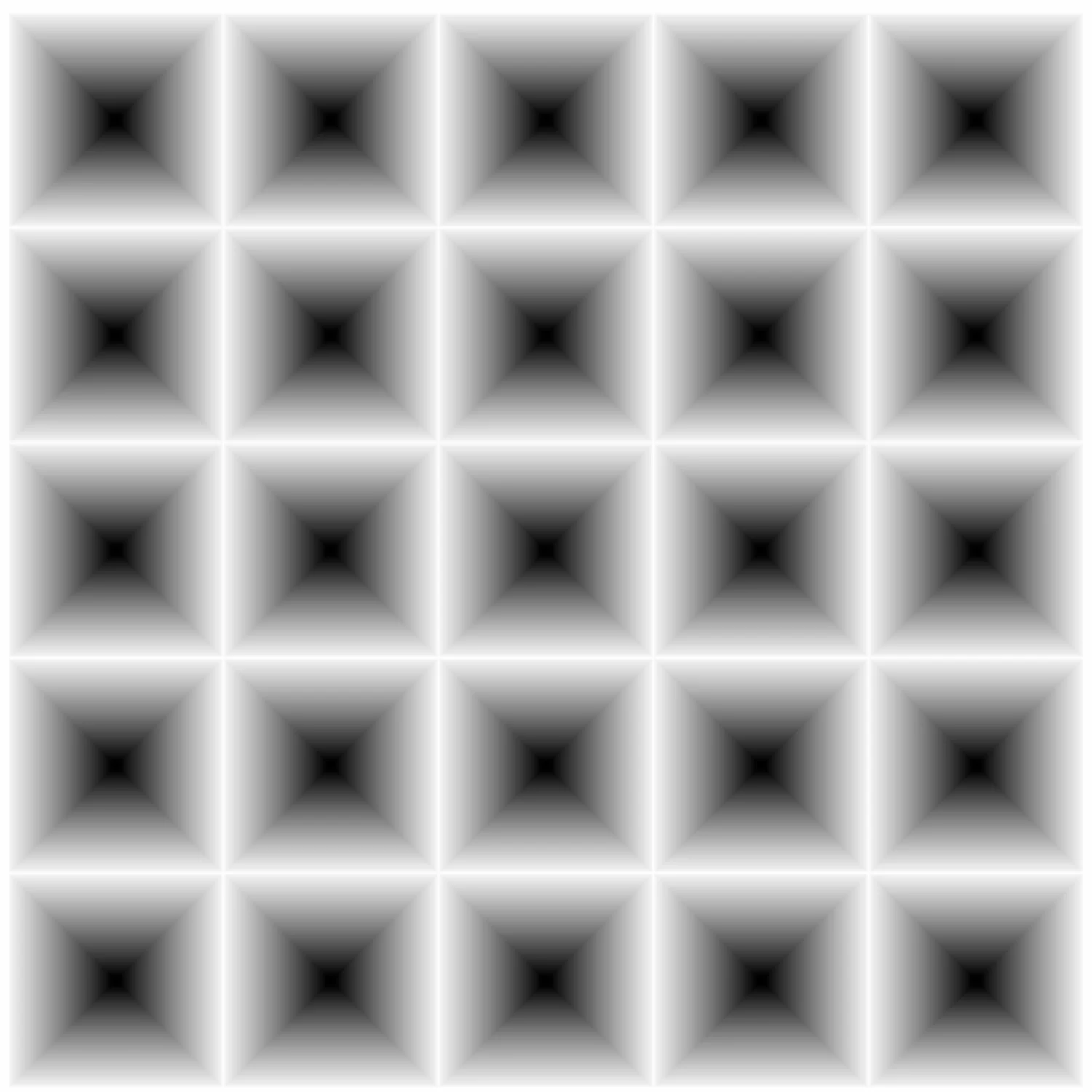
3) Rhino Render Z-Buffer
-Under Render Properties, you can set the pixel dimensions to control image resolution, adjust the render quality via the number of cycles and turn off all lighting.
-Execute the Render command to start the computation. Once complete, select the Depth Channel, set the gamma = 1.0 and check the Dither Box. You can then save an 8-bit *.png file representing the grayscale heightmap of the surface.
ViewCaptureToFile
Numeric Render
Rhino Render Z-buffer